
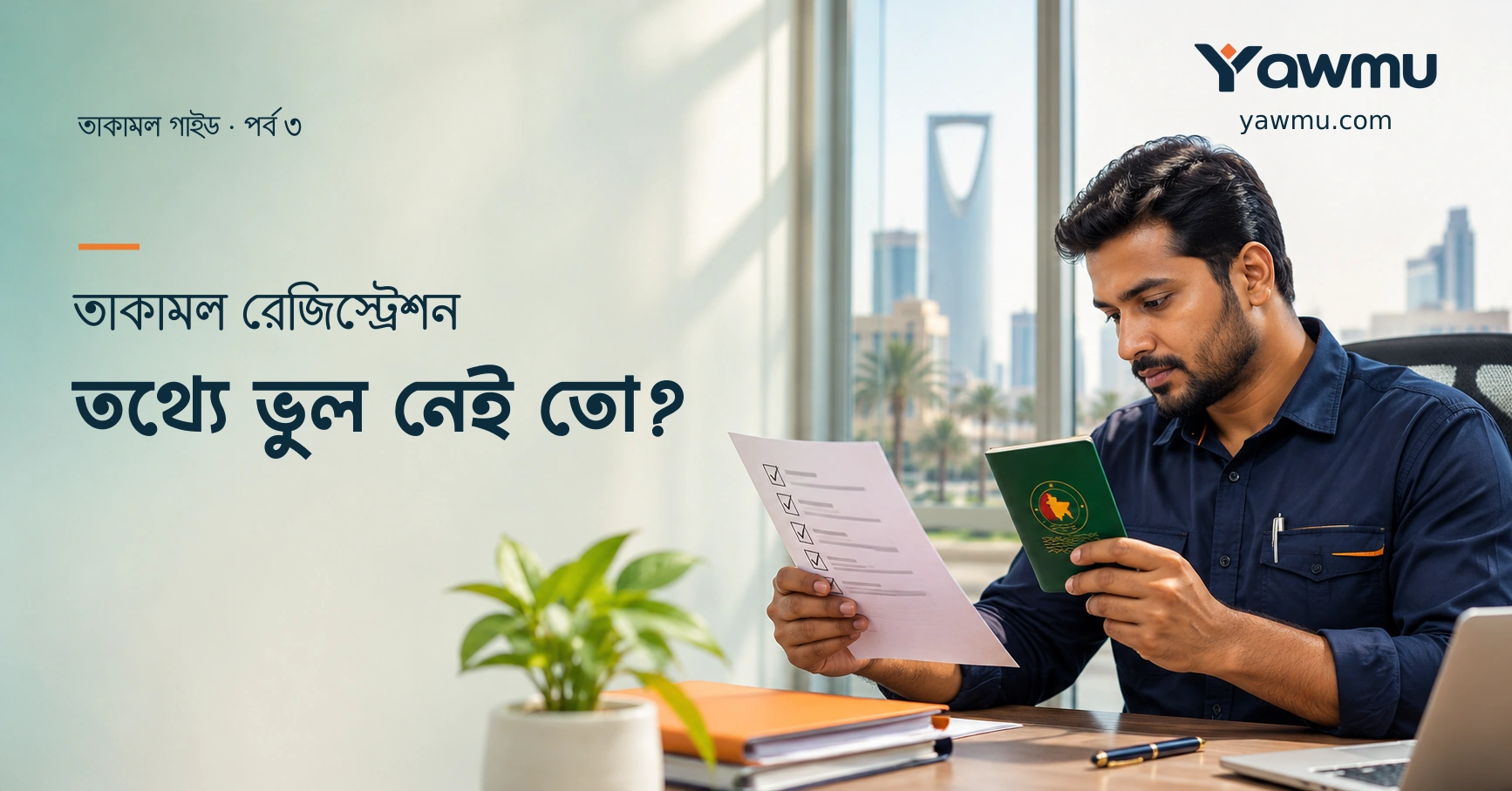
প্রতীকী ছবি: নিবন্ধনের আগে কাগজ যাচাইয়ের ধারণা। এটি কোনো বাস্তব আবেদনকারী বা নির্দিষ্ট অফিসের ছবি নয়।Illustrative image of document preparation, not a real applicant or a particular office.
ইয়াওমু ডেস্ক, ঢাকা · তাকামল গাইড—পর্ব ৩
তথ্য যাচাই: ৮ নভেম্বর ২০২৬
তাকামলের রেজিস্ট্রেশন করতে বসেছেন। পাসপোর্টের কপি আছে, পরীক্ষার প্রস্তুতিও চলছে। কিন্তু ফর্মে নাম, জন্মতারিখ বা পাসপোর্ট নম্বর ভুল লিখে ফেললে? পরীক্ষার প্রস্তুতির পাশাপাশি তথ্য ঠিক আছে কি না দেখাও জরুরি। জমা দেওয়ার আগে কয়েক মিনিট সময় নিয়ে মিলিয়ে দেখলে অপ্রয়োজনীয় ঝামেলা এড়ানোর সুযোগ থাকে।
তাকামল রেজিস্ট্রেশনের কাগজপত্র গুছিয়ে রাখতে পাসপোর্টের পড়ার উপযোগী কপি, নিজের যোগাযোগের ব্যবস্থা এবং পেশার তথ্য হাতের কাছে রাখুন। নিচের তালিকাটি প্রস্তুতির সহায়তা; চূড়ান্ত বাধ্যতামূলক নথির তালিকা নয়। আপনার জন্য প্রযোজ্য বর্তমান ফর্ম ও নির্দেশনাই অনুসরণ করতে হবে।
সরকারি নির্দেশনায় কী আছে?
BMET-এর প্রকাশিত Skills Verification Test FAQ-তে নিবন্ধনের সময় পরিচয় ও যোগাযোগের তথ্য এবং পরে ইমেইলে যাচাইকরণ কোড ব্যবহারের কথা আছে। তবে নির্দেশিকাটি পুরোনো; বর্তমান ফর্মের ঘর বা চাহিদা বদলাতে পারে। তাই পুরোনো স্ক্রিনশট দেখে আন্দাজ না করে আবেদন করার সময়ের নির্দেশনা পড়ুন।
রেজিস্ট্রেশনের আগে যা প্রস্তুত রাখবেন
- পাসপোর্টের পরিষ্কার কপি: পরিচয়সংক্রান্ত পাতার পুরো অংশ যেন দেখা যায়। আলো পড়ে ঝাপসা হয়ে যাওয়া, আঙুলে লেখা ঢাকা বা নম্বরের অংশ কাটা কপি ব্যবহার করবেন না। মূল নথি দেখে তথ্য মিলিয়ে নিন।
- নিজের ব্যবহার করা ইমেইল ও মোবাইল: ইমেইলে ঢুকতে পারেন কি না এবং দেওয়া নম্বরটি চালু আছে কি না দেখে নিন। অন্যের সহায়তা নিলেও প্রয়োজনীয় বার্তা ও অ্যাকাউন্টে নিজের প্রবেশের ব্যবস্থা রাখুন।
- ফাইলের পেশার বিবরণ: কোন কাজের জন্য প্রস্তুতি নিচ্ছেন এবং সংশ্লিষ্ট কাগজে কী পেশা লেখা আছে, তা পরিষ্কার করুন। ট্রেড বুঝতে না পারলে অনুমান করে বেছে নেবেন না।
- অন্য নথি, যদি চাওয়া হয়: বর্তমান ফর্ম বা দায়িত্বপ্রাপ্ত কর্তৃপক্ষ NID, ছবি বা বাড়তি নথি চাইলে সেই নির্দেশনা অনুযায়ী প্রস্তুত করুন। যাচাই ছাড়া সবার জন্য একই তালিকা ধরে নেবেন না।
Submit করার আগে এই ৬টি তথ্য মিলিয়ে নিন
- নাম: পাসপোর্টের ইংরেজি বানানের সঙ্গে মিলছে কি না দেখুন। Given Name ও Surname-এর ঘর বুঝে পূরণ করুন।
- পাসপোর্ট নম্বর: অক্ষর ও সংখ্যা পাশাপাশি রেখে পড়ুন। দেখতে কাছাকাছি বলে কোনো চিহ্ন আন্দাজ করে লিখবেন না।
- জন্মতারিখ: দিন, মাস ও বছরের ঘর এবং ফর্মের তারিখ লেখার ধরন দেখে নিন।
- মেয়াদসংক্রান্ত তথ্য: ইস্যু ও মেয়াদ শেষ হওয়ার তারিখ চাইলে সঠিক ঘরে সঠিক তারিখ দিন। নিজের মতো মেয়াদের শর্ত ধরে নেবেন না।
- যোগাযোগ: ইমেইলের বানান ও ফোন নম্বর আবার পড়ুন; নিজের কাছে বার্তা পৌঁছাবে কি না নিশ্চিত করুন।
- পেশা বা ট্রেড: ফর্মে যা বেছে নিয়েছেন, তা আপনার ফাইলের প্রয়োজনের সঙ্গে মিলিয়ে যাচাই করান।
পাসপোর্টে একটিমাত্র নাম থাকলে কী করবেন?
First Name ও Last Name পূরণ করতে গিয়ে নিজের মতো বাবার নাম যোগ করা, নতুন নাম বানানো বা একই নাম দুবার লেখা থেকে বিরত থাকুন। একক নাম বা অন্য ব্যতিক্রম থাকলে বর্তমান অফিসিয়াল সহায়তায় প্রযোজ্য নিয়ম জেনে নিন। পুরোনো উদাহরণ বা পরিচিত কারও আবেদন হুবহু নকল করবেন না।
কপি আপলোডের আগে একবার বড় করে দেখুন
ফোনে ছবি তুললে আপলোডের আগে ছবিটি খুলে বড় করে দেখুন। নাম, নম্বর ও তারিখ পড়া যাচ্ছে কি? পাতার চারপাশ আছে? এরপর ফর্মে নির্দিষ্ট ফাইলের ধরন ও আকার চাওয়া হলে তা মিলিয়ে নিন। ছবির লেখা বা পরিচয়সংক্রান্ত তথ্য বদলে ‘সুন্দর’ করার চেষ্টা করবেন না।
অন্য কেউ ফর্ম পূরণ করলে আপনার করণীয়
সহায়তা নেওয়া যেতে পারে, কিন্তু জমা দেওয়ার আগে পূরণ করা তথ্য নিজে পড়ে দেখুন। ইংরেজি পড়তে অসুবিধা হলে বিশ্বস্ত কাউকে পাসপোর্টের সঙ্গে মিলিয়ে পড়ে শোনাতে বলুন। পাসওয়ার্ড নিজের নিয়ন্ত্রণে রাখুন; প্রকাশ্য মন্তব্যে পাসপোর্টের ছবি বা ব্যক্তিগত তথ্য দেবেন না।
ভুল দেখলে আগে থামুন: ‘পরে ঠিক করে নেব’ ভেবে এগোবেন না। সংশোধনের প্রযোজ্য নিয়ম জেনে নিন। এই প্রস্তুতির তালিকা নিবন্ধন, পরীক্ষায় পাস, চাকরি বা ভিসার নিশ্চয়তা দেয় না।
সাধারণ প্রশ্ন
তাকামল রেজিস্ট্রেশনে কী কী কাগজ লাগে?
প্রস্তুতির জন্য পাসপোর্টের পরিষ্কার কপি, নিজের যোগাযোগের ব্যবস্থা ও পেশার তথ্য হাতের কাছে রাখুন। NID, ছবি বা অন্য নথির চাহিদা আপনার বর্তমান ফর্ম ও প্রযোজ্য নির্দেশনা দিয়ে নিশ্চিত করুন।
নিজের ইমেইল না থাকলে কী করব?
বুকিংয়ের আগে নিজের নিয়ন্ত্রণে ব্যবহারযোগ্য ইমেইলের ব্যবস্থা করুন এবং তাতে লগইন করতে শিখে নিন। শুধু অন্যের ইনবক্সের ওপর নির্ভর করলে বার্তা বা অ্যাকাউন্টে ঢুকতে অসুবিধা হতে পারে।
নাম বা পাসপোর্ট নম্বর ভুল হলে পরে ঠিক হবে?
সংশোধন হবে ধরে নিয়ে জমা দেবেন না। কোন তথ্য কীভাবে সংশোধন করা যাবে, তা অফিসিয়াল সহায়তা থেকে জেনে নিন; নিজে থেকে আরেকটি আবেদন খুলে ফেলবেন না।
রেজিস্ট্রেশন হলেই কি পরীক্ষার বুকিং নিশ্চিত?
অ্যাকাউন্ট তৈরি আর পরীক্ষার বুকিং এক বিষয় নয়। আপনার ফাইলের জন্য প্রযোজ্য বুকিংয়ের অবস্থা ও টেস্ট টিকিট আলাদা করে যাচাই করুন। বুকিং নিয়ে সিরিজের পরবর্তী পর্বে বিস্তারিত থাকবে।
রেজিস্ট্রেশন নিয়ে WhatsApp-এ প্রশ্ন করুন ↗
পর্ব ১: তাকামল পরীক্ষা কী? · পর্ব ২: আপনার পেশায় পরীক্ষা লাগবে কি? · কাজের ভিসার তথ্য
তথ্যসূত্র ও পাঠকের জন্য নোট
নিবন্ধন ও যোগাযোগের প্রাথমিক কাঠামোর উৎস: BMET-হোস্ট করা Skills Verification Test FAQ, বিশেষ করে নিবন্ধন অংশ। SVP International পোর্টাল-এর পুরোনো ঠিকানা গবেষণার সময় এখানে রিডাইরেক্ট হয়েছে; বর্তমান ফর্মের সব ঘর স্বাধীনভাবে যাচাই করা যায়নি। উপরের মিলিয়ে দেখার তালিকা ইয়াওমুর প্রস্তুতিমূলক পরামর্শ। পুরোনো ফি, একক নামের উদাহরণ বা অন্যান্য পুরোনো নিয়মকে বর্তমানের নিশ্চিত নিয়ম হিসেবে এখানে দেওয়া হয়নি।
Yawmu Desk, Dhaka · Takamol guide—Episode 3
Information checked: 8 November 2026
Preparing for Takamol registration? Alongside test preparation, check the details you enter. A mistyped name, passport number or date can create avoidable complications. Take a few minutes to compare the completed form with your documents before submitting.
Keep a readable passport copy, contact details you control and information about your intended occupation ready. This is a preparation checklist, not an exhaustive statement of mandatory documents. Follow the current form and instructions applicable to your application.
What does the official guidance establish?
BMET’s published Skills Verification Test FAQ describes identity and contact information during registration and email verification codes later in the process. It is an older guide, and current fields or requirements may differ. Read the instructions displayed when you apply rather than relying on an old screenshot.
What to have ready
- A clear passport copy: show the complete identity page without glare, covered text or cropped numbers. Compare entries with the original document.
- Your own working email and phone: check that you can access the inbox and receive messages. If someone helps, retain access to the account and communications.
- Occupation information: clarify the work you are preparing for and the occupation in the relevant paperwork. Do not guess a trade you do not understand.
- Other documents if requested: prepare an NID, photograph or additional documents according to the current form or applicable authority’s instructions. Do not assume one universal list.
Six details to compare before submitting
- Name: compare the English spelling with the passport and understand the given-name and surname fields.
- Passport number: read letters and numbers carefully; do not guess similar-looking characters.
- Date of birth: check the day, month, year and required format.
- Passport dates: if requested, enter issue and expiry dates in their correct fields. Do not invent a validity rule.
- Contact information: reread the email address and phone number and confirm you can receive messages.
- Occupation or trade: have the selected entry checked against your file’s requirement.
What if your passport has only one name?
Do not independently add a father’s name, invent a surname or duplicate a name to get past a form. Ask official support for the current procedure for your specific situation. Do not copy another applicant’s entry or an old example without checking its applicability.
Enlarge your document copy before uploading
Open the image and check that names, numbers, dates and page edges are readable. Follow the form’s file-type and size instructions where specified. Do not alter identity information to improve a document’s appearance.
If someone completes the form for you
Review the completed entries before submission. If English is difficult, ask someone you trust to read the entries against the passport. Keep control of your password and avoid posting passport images or private details in public comments.
Pause when something is wrong: do not assume it can be fixed later. Confirm the applicable correction process first. This preparation checklist does not guarantee registration, a test pass, employment or a visa.
Frequently asked questions
Which documents are needed for Takamol registration?
For preparation, have a readable passport copy, accessible contact information and occupation details ready. Confirm NID, photograph and other document requirements against the current form and applicable instructions.
What if I do not have my own email?
Arrange an email account you control and learn how to access it before booking. Depending entirely on someone else’s inbox can make messages and account access difficult.
Can a wrong name or passport number be corrected later?
Do not submit on that assumption. Ask official support what can be corrected and how. Do not independently create another application as a workaround.
Does registration confirm a test booking?
Creating an account and securing a test booking are different steps. Check your booking status and test ticket separately. A later episode will cover booking in more detail.
Ask about registration on WhatsApp ↗
Episode 1: What is Takamol? · Episode 2: Check your occupation · Work visa information
Sources and scope
Background for registration and contact information: BMET-hosted Skills Verification Test FAQ, especially its registration section. The old portal address redirected to SVP International during research; the full current form could not be independently inspected. The checking steps above are Yawmu’s preparation advice. Older fees, single-name examples and other historical rules are not presented as confirmed current requirements.
Illustrative image of document preparation, not a real applicant or a particular office.
Yawmu Desk, Dhaka · Takamol guide—Episode 3
Information checked: 8 November 2026
Preparing for Takamol registration? Alongside test preparation, check the details you enter. A mistyped name, passport number or date can create avoidable complications. Take a few minutes to compare the completed form with your documents before submitting.
Keep a readable passport copy, contact details you control and information about your intended occupation ready. This is a preparation checklist, not an exhaustive statement of mandatory documents. Follow the current form and instructions applicable to your application.
What does the official guidance establish?
BMET’s published Skills Verification Test FAQ describes identity and contact information during registration and email verification codes later in the process. It is an older guide, and current fields or requirements may differ. Read the instructions displayed when you apply rather than relying on an old screenshot.
What to have ready
- A clear passport copy: show the complete identity page without glare, covered text or cropped numbers. Compare entries with the original document.
- Your own working email and phone: check that you can access the inbox and receive messages. If someone helps, retain access to the account and communications.
- Occupation information: clarify the work you are preparing for and the occupation in the relevant paperwork. Do not guess a trade you do not understand.
- Other documents if requested: prepare an NID, photograph or additional documents according to the current form or applicable authority’s instructions. Do not assume one universal list.
Six details to compare before submitting
- Name: compare the English spelling with the passport and understand the given-name and surname fields.
- Passport number: read letters and numbers carefully; do not guess similar-looking characters.
- Date of birth: check the day, month, year and required format.
- Passport dates: if requested, enter issue and expiry dates in their correct fields. Do not invent a validity rule.
- Contact information: reread the email address and phone number and confirm you can receive messages.
- Occupation or trade: have the selected entry checked against your file’s requirement.
What if your passport has only one name?
Do not independently add a father’s name, invent a surname or duplicate a name to get past a form. Ask official support for the current procedure for your specific situation. Do not copy another applicant’s entry or an old example without checking its applicability.
Enlarge your document copy before uploading
Open the image and check that names, numbers, dates and page edges are readable. Follow the form’s file-type and size instructions where specified. Do not alter identity information to improve a document’s appearance.
If someone completes the form for you
Review the completed entries before submission. If English is difficult, ask someone you trust to read the entries against the passport. Keep control of your password and avoid posting passport images or private details in public comments.
Pause when something is wrong: do not assume it can be fixed later. Confirm the applicable correction process first. This preparation checklist does not guarantee registration, a test pass, employment or a visa.
Frequently asked questions
Which documents are needed for Takamol registration?
For preparation, have a readable passport copy, accessible contact information and occupation details ready. Confirm NID, photograph and other document requirements against the current form and applicable instructions.
What if I do not have my own email?
Arrange an email account you control and learn how to access it before booking. Depending entirely on someone else’s inbox can make messages and account access difficult.
Can a wrong name or passport number be corrected later?
Do not submit on that assumption. Ask official support what can be corrected and how. Do not independently create another application as a workaround.
Does registration confirm a test booking?
Creating an account and securing a test booking are different steps. Check your booking status and test ticket separately. A later episode will cover booking in more detail.
Ask about registration on WhatsApp ↗
Episode 1: What is Takamol? · Episode 2: Check your occupation · Work visa information
Sources and scope
Background for registration and contact information: BMET-hosted Skills Verification Test FAQ, especially its registration section. The old portal address redirected to SVP International during research; the full current form could not be independently inspected. The checking steps above are Yawmu’s preparation advice. Older fees, single-name examples and other historical rules are not presented as confirmed current requirements.


মন্তব্য করুন